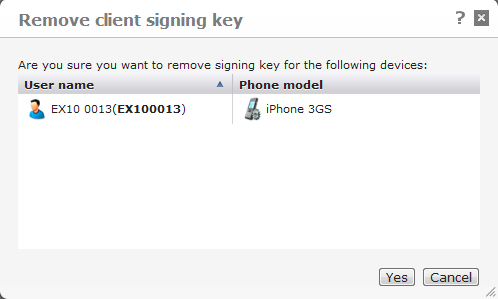
Click this action to remove the client signing key from the currently selected device(s) in the list.
The device will no longer be able to connect to the server until a new signing key has been issued from the server, and the old key has been removed from the device. To remove the signing key from a device, select Tools > Settings > Security in the DME client, and then select Client certificate.
This function can be performed using the Web Services operation removeClientSignature. See removeClientSignature.
On iOS devices, you can enter FLUSHKEYS in the User name field on the DME login screen to clear the client signing key.