Click this action to generate a new set of keys (a certificate) for the selected device(s) and order the device(s) to pick up the keys the next time it communicates with the server. A certificate, or client signature, is necessary if Client signature is enabled in the Authentication section of the Server configuration panel in the Server tab (see Authentication).
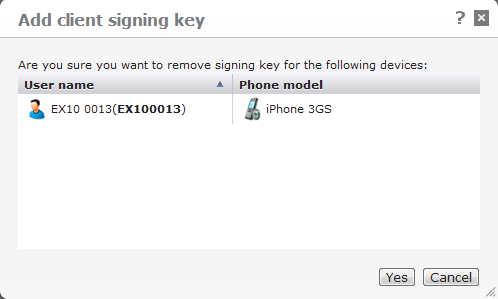
When you click the button, DME shows a page such as the following:
When you click Confirm, the symbol in the Key column changes to  , meaning that new keys have been generated, and that the client must pick up the new keys the next time it connects with the server.
If the next request by the client is successful, the Key column shows  , signifying that the client was successfully signed.
See also Key for a description of all possible symbols in the Key column.
If Auto sign is enabled in the Server configuration panel, a certificate will be issued automatically to devices that are known to the system but which do not have a certificate. See Authentication and the special documentation "Client signing" (available upon request).